Two-Factor Authentication: The Simplest Way to Protect Your Online Business
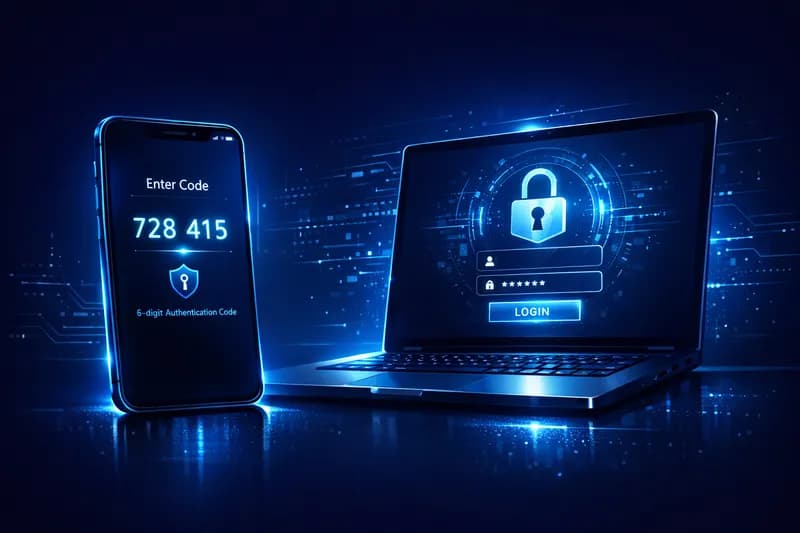
Imagine leaving the key to your business under the doormat. That's essentially what happens when you rely on just a password to protect your online accounts. Today's hackers have sophisticated tools that can guess or steal passwords in seconds. The good news? There's a simple, often free, and highly effective solution: two-factor authentication, also known as 2FA.
What Exactly Is Two-Factor Authentication?
Two-factor authentication is an additional layer of security added on top of your regular password. To access your account, you must prove your identity in two different ways. Think of it like a safe with two locks: even if someone steals one of your keys, they still can't open the safe without the second one. The first verification method is something you know (your password). The second is something you have (your phone, for example) or something you are (your fingerprint or face). This combination makes unauthorized access nearly impossible, even if your password has been compromised.
Why a Password Alone Is No Longer Enough
- Over 80% of security breaches involve weak or stolen passwords, according to Verizon Data Breach reports.
- Phishing attacks trick you into revealing your password without realizing it.
- Many people reuse the same password across multiple platforms, creating a domino effect if one account is breached.
- Password databases from major platforms are leaked and sold on the dark web regularly.
- Automated hacking tools can test thousands of password combinations per minute.
How 2FA Works in Practice
The process is simpler than you might think. Here's what a typical login looks like with 2FA enabled:
- You enter your username and password as usual.
- The system requests a second confirmation.
- You receive a unique code on your phone, via an app, or by email.
- You enter that code and access is granted.
The Most Popular 2FA Methods
- Authenticator Apps (Recommended)
Google Authenticator, Microsoft Authenticator, or Authy are free apps that generate a new code every 30 seconds. You don't need internet access to use them, they're fast and extremely secure. Once the app is installed, you connect it to your account by scanning a QR code and you're ready to go. This is the recommended method for businesses that want the highest level of security.
- SMS (Text Message)
The most well-known method: you receive a code via text message on your phone. It's easy to set up and requires no additional app. While less secure than a dedicated app (SIM swapping attacks exist), SMS-based 2FA is still significantly more secure than using a password alone. It's a solid starting point for small business owners new to 2FA.
- Email
Some platforms send the verification code directly to your email address. It's the most accessible method, but also the most vulnerable — if someone has access to your email, they also have access to the code. Nevertheless, it's still a better option than having no 2FA at all.
The Real Risks of Not Having 2FA for Your Business
- Loss of access to your business social media accounts, with direct impact on your reputation.
- Unauthorized access to customer data and the risk of significant GDPR fines.
- Direct financial losses if a banking or payment account is compromised.
- High time and cost to recover accounts and manage the security crisis.
- Loss of customer trust, which can be irreversible for a small business.
A Google study shows that simply enabling 2FA blocks 99.9% of automated account attacks. It's the single easiest step you can take today to secure your business.
How to Enable 2FA: First Practical Steps
- Start with your most important accounts: business email, social media platforms, billing tools, and your online store.
- Download Google Authenticator or Microsoft Authenticator from the App Store or Google Play.
- Go to the security settings of each platform and look for the "Two-Factor Authentication" or "2FA" option.
- Follow the on-screen instructions to link the app by scanning the QR code displayed.
- Follow the on-screen instructions to link the app by scanning the QR code displayed.Follow the on-screen instructions to link the app by scanning the QR code displayed.
Conclusion: One Minute of Setup, Years of Peace of Mind
Two-factor authentication is not a complicated technology reserved for IT experts. It's a simple, accessible, and in most cases completely free tool. In a world where cyberattacks increasingly target small businesses — precisely because they're perceived as vulnerable — 2FA is the first and most important line of defense. Don't leave your business security to chance. Enable 2FA today and sleep soundly knowing your data is protected.
Published:
Updated: